

What’s the electronic spacing pipette?
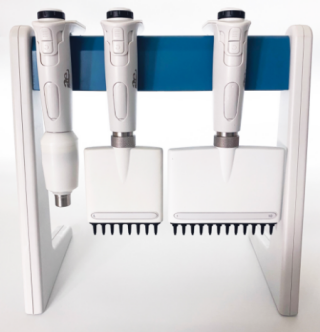
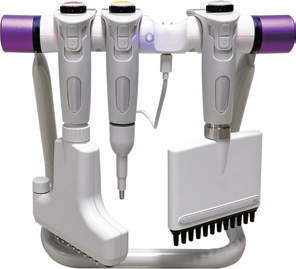
An adjustable tip spacing pipette is a type of pipette that allows the user to modify the distance between the pipette tips, making it versatile for different lab applications. This feature is especially useful when transferring liquids between containers with varying well or tube formats, like from tubes to 96-well plates or between different types of multi-well plates.
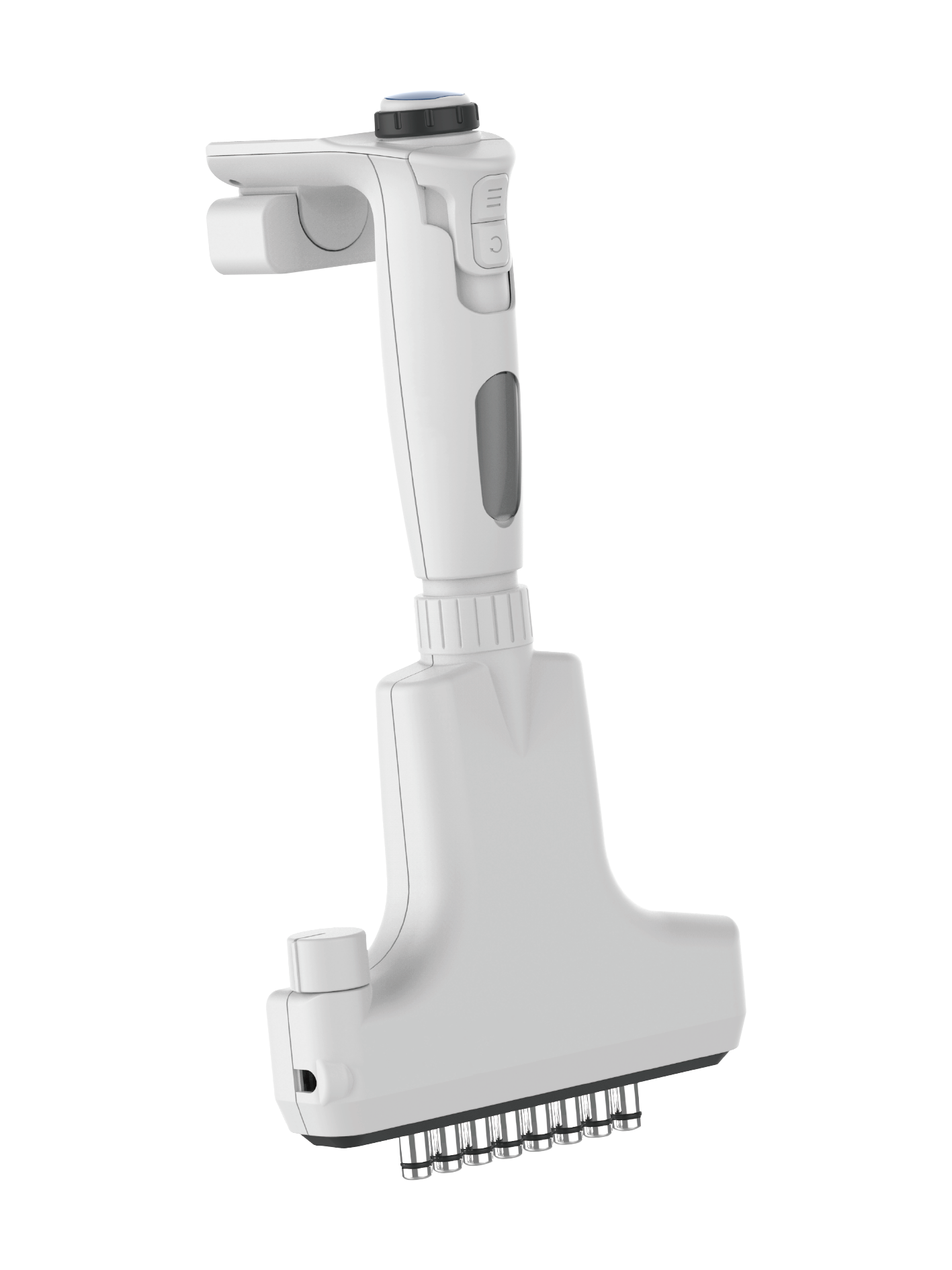
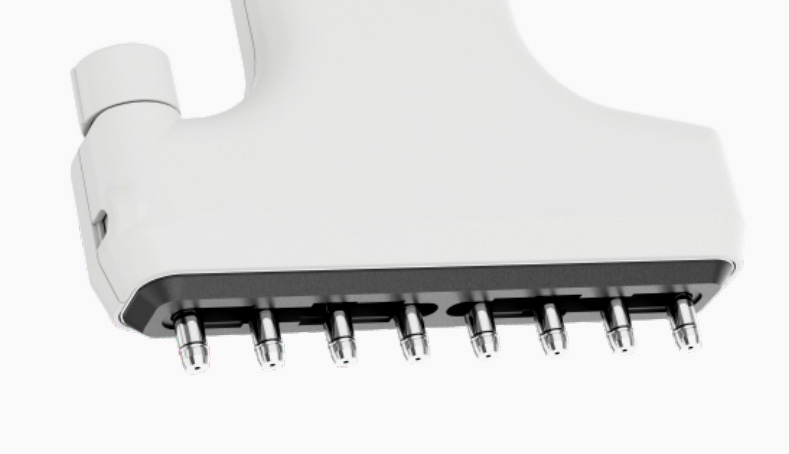
What’s the advantage while customer use AELAB adjustable tip spacing pipette?
* Time Efficiency:Time efficiency improves by allowing rapid liquid transfer between differently spaced wells or tubes. This feature eliminates the need for manual adjustments, making workflows faster and more streamlined
* Versatility: Ideal for laboratories working with multiple plate formats, reducing the need for separate pipettes for each format.
* Ease of Use: Simplifies tasks involving repetitive liquid transfers by allowing easy adjustment without changing equipment.
This flexibility makes adjustable tips spacing pipettes a valuable tool in applications such as high-throughput screening, PCR, and ELISA.
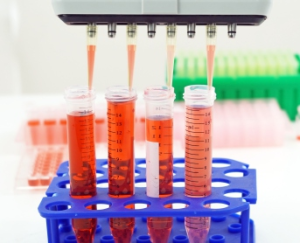
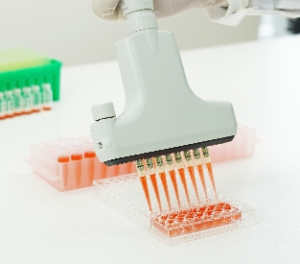
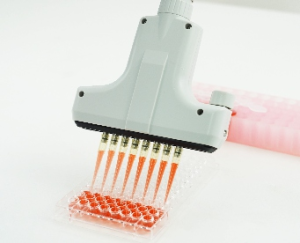
What is the range of measurement for adjustable spacing pipette?
AELAB is able to supply 4/6/8/12 channels electronic adjustable spacing pipette. The measurement range for an adjustable spacing pipette can vary widely depending on the model and technical data, typically covering a volume range and an adjustable spacing range:
- Volume Range:Adjustable spacing pipettes usually have volume ranges similar to standard multichannel pipettes, commonly ranging from 0.5 µL to 1,000 µL. Models with lower or higher volume ranges are also available depending on specific applications.
- Spacing Range:The adjustable spacing (distance between the tips) generally varies from 9-26mm, 4.5-14mm, though this can differ based on the pipette design. Some models offer a spacing adjustment from 9 mm (for standard 96-well plates) to as wide as 14 mm or more (for larger wells or tubes).
- AELAB series machine you can choose it as below.
4 Channels: Spacing 9-26mm, 5 volume you can choose it: 0.5-12.5μl, 2-50μl, 5-110μl, 10-300μl, 50-1000μl.
6 Channels: Spacing 9-19mm, 5 volume you can choose it: 0.5-12.5μl, 2-50μl, 5-110μl, 10-300μl, 50-1000μl.
8 Channles: Spacing 9-14mm, 5 volume you can choose it: 0.5-12.5μl, 2-50μl, 5-110μl, 10-300μl, 50-1000μl.
Spacing 4.5-14mm, 3 volume you can choose it: 0.5-12.5μl, 2-50μl, 5-110μl.
12 Channels: Spacing 4.5-9mm, 3 volume you can choose it: 0.5-12.5μl, 2-50μl, 5-110μl.
Which accessories will require for the spacing pipette?
- All kinds of size for the Pipette Tips.
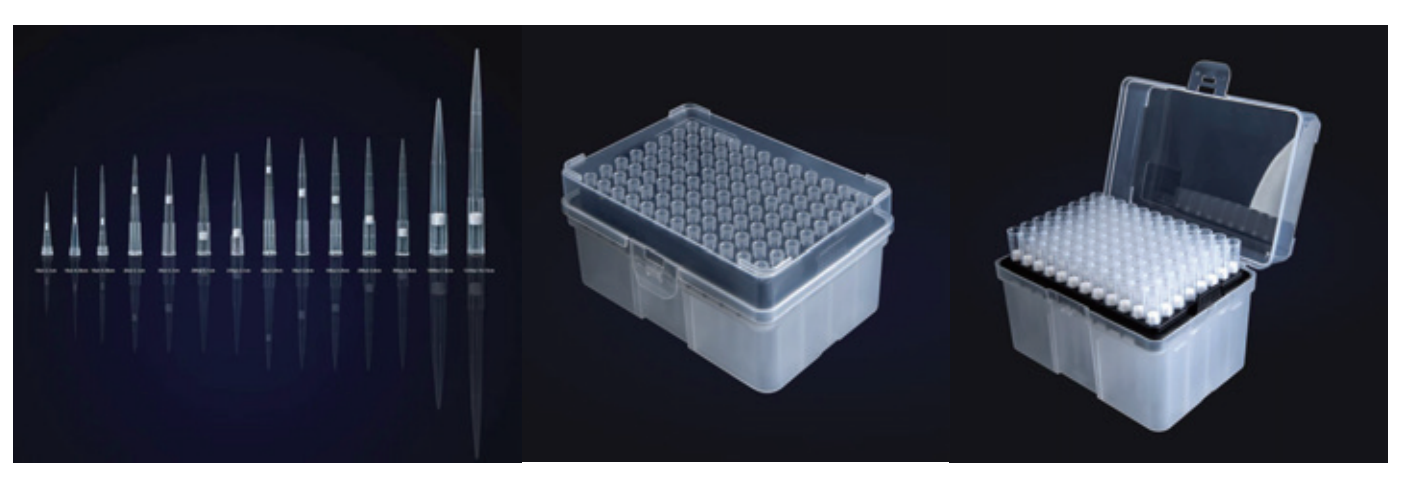
2.Normal and charging pipette holder available
How to work with automatic tip spacing on electronic pipette?
Working with automatic tip spacing on an electronic pipette involves a few key steps to ensure smooth operation and accurate liquid handling. Here’s a general guide on how to use an electronic pipette with automatic tip spacing:
-
Turn on the machine.
Turn on: Turn on the electronic pipette by pressing the power button.
Choose mode: Choose the correct pipetting mode for your task, such as standard, reverse, or multi-dispensing mode.
Choose volume and adjust: Use the interface to set the desired pipetting volume. AELAB electronic pipettes allow precise volume adjustments through digital controls.
-
Choose volume and adjust tip spacing
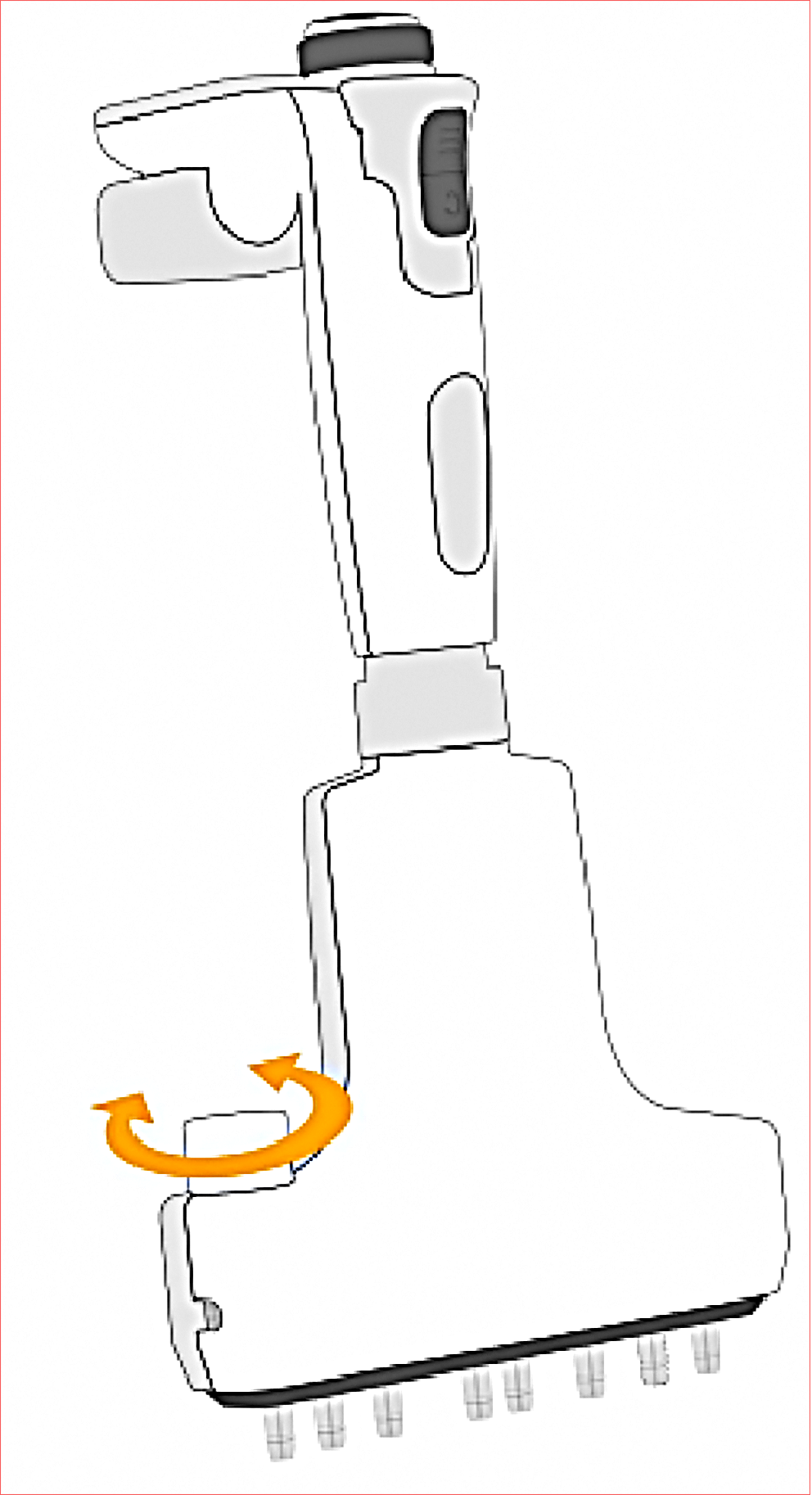
Automatic Spacing Selection: AELAB electronic pipettes with automatic spacing allow you to select the spacing distance on the digital display. Depending on the model, you might have pre-set spacing options for common labware (e.g., 96-well, 384-well plates) or fully customizable spacing.
Set Spacing Distance: Use the device’s controls to enter the desired tip spacing, based on the layout of the source and destination plates or tubes. The pipette will adjust the spacing automatically.
Confirm: Confirm the spacing to lock it in place. Some models may also allow you to program frequently used spacing distances.
-
Put the correct tips and load it.
Attach Tips: Attach the pipette tips to the electronic pipette. Make sure the tips are firmly secured on each channel.
Check Alignment: Verify that the tips are aligned to match the selected spacing distance, especially when moving between different types of labware.
-
Operate the machine and pipetting processsteps
Aspirate: Place the tips into the source solution and press the aspirate button. The electronic pipette will automatically draw the set volume.
Transfer: Move the pipette to the destination labware. The adjusted spacing should align the tips to the target wells or tubes.
Dispense: Press the dispense button to release the liquid into the target wells or tubes
-
Different spacingsand continue preossing the pipetting.
Adjust Spacing as Needed: If switching to a different labware format (e.g., moving from 96-well to 24-well plates), adjust the spacing using the device’s controls. The automatic mechanism will change the spacing without manually shifting tips.
Continue Pipetting: Repeat the pipetting steps as needed with the newly set spacing.
-
Maintenancethe pipette.
Clean the Tips and Device: After each use, clean the pipette and tips (if reusable) to ensure no cross-contamination.
Calibrate Regularly: Regular calibration is essential to maintain accuracy, especially in devices with electronic adjustments.
We trust AELAB adjustable tip spacing pipette will be a good helper for your customer, it’s worth a try and also we will provide you special offer for trial order. Welcome to try AELAB service!